UNIT I WEBSITE BASICS, HTML 5, CSS 3, WEB 2.0
1.10 IMAGE
HTML images provide visual content for web pages, enhancing user experiences and conveying information. They can be photographs, graphics, icons, or illustrations.
HTML offers various elements for embedding, manipulating, and controlling images, contributing to the aesthetics and functionality of websites. Understanding image tags, attributes, and responsive design principles is essential for effective web development.
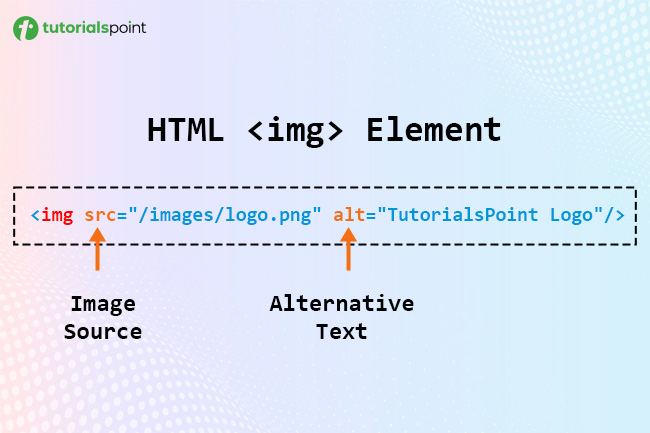
HTML Image Syntax
The following is the basic syntax for HTML images:
<img src="image_path" alt="Alternate text for the image" width="200px" height="150px" />
Here,
- src: The src attribute defines the path of the image (image URL).
- alt: The alt attribute defines the alternate text; if there is a broken link to the image path, the alternate text displays on the webpage.
- width and height: The width and height attribute define the height and width for the image.
Insert Image
You can insert (embed) an image on the webpage using the <img> tag with the src attribute, which is a required attribute to define the image path.
Note: The <img> tag is an empty tag, which means that it can contain only a list of attributes and has no closing tag.
Syntax
Use the following syntax to insert an image using the <img> t

Comments
Post a Comment